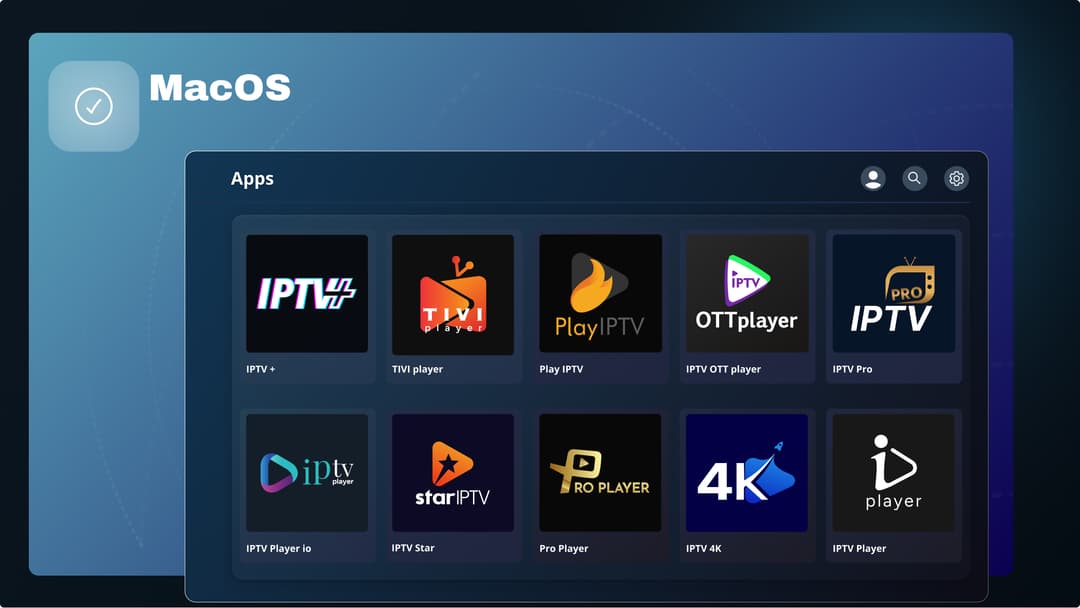

Using the DMG file, you can install our IPTV Media Player on your MacOS device.
MacOS
1. Download: Download the file by clicking the button above.
2. Open DMG: Open your Downloads folder and double-click the downloaded .dmg file.
3. Install app: Install the app by dragging it into your Applications folder.
4. Eject image: Eject the DMG disk image after copying (drag it to the Trash).
5. Launch: Open the app from your Applications folder.
First time: if macOS blocks the app, go to System Settings → Privacy & Security → click “Open Anyway”